Order of the Sinking Star System Requirements: Still TBD
Steam still lists TBD for minimum and recommended Order of the Sinking Star specs as of September 24, 2026. Here is what is known, and how to check your PC.
FAQ
What are the system requirements for Order of the Sinking Star?
Can my PC run Order of the Sinking Star?
Is Order of the Sinking Star 64-bit only?
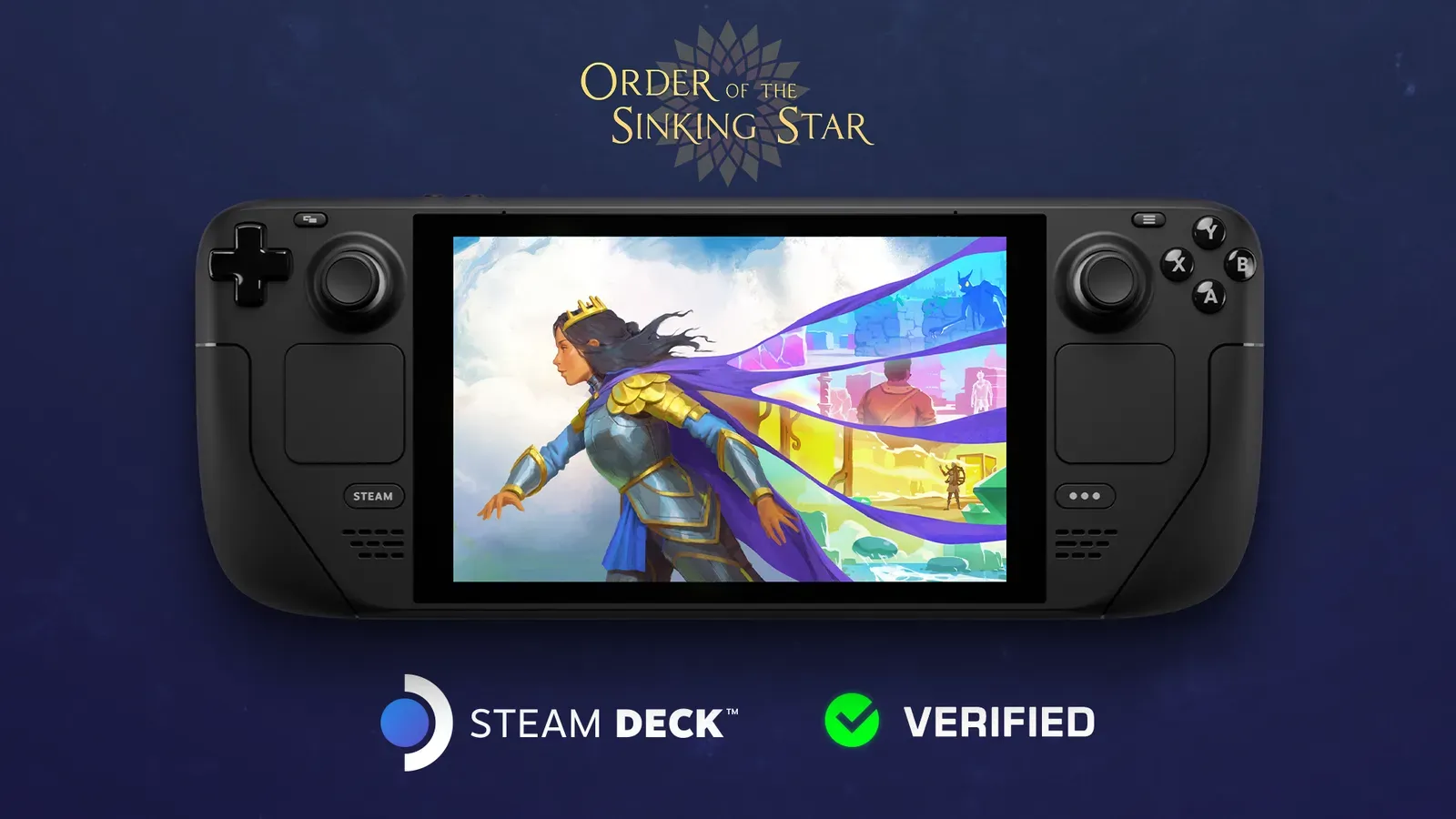
Does Order of the Sinking Star run on Steam Deck?
How big is the install?
Quick Answer
Steam still lists TBD for both the minimum and recommended Order of the Sinking Star system requirements as of September 24, 2026 — and the same is true of the separate Steam demo listing. There are no official CPU, GPU, RAM or storage numbers to quote anywhere, and this page will not invent any. What is actually known is narrower but useful: the game is a 64-bit-only build, it is Steam Deck Verified, the Switch 2 download is 18.4 GB, and the free demo is available right now to test on your own hardware. This page is re-checked at launch.
| Steam field | What it says today | What it tells you |
|---|---|---|
| Minimum requirements (full game) | TBD | No official floor to compare your PC against |
| Recommended requirements (full game) | TBD | No official target either |
| Demo requirements | TBD | The demo page publishes no specs either |
| OS architecture | 64-bit only | A 32-bit Windows install cannot run the game |
| Specific OS version | Not listed | No minimum Windows version published |
| CPU | Not listed | Do not trust any number you see elsewhere |
| GPU | Not listed | Same |
| Memory | Not listed | Same |
| Storage (PC) | Not listed | Install size is unconfirmed for PC |
| Storage (Switch 2) | 18.4 GB | The one concrete size figure that exists |
| Steam Deck compatibility | Verified (September 15, 2026) | It runs acceptably on Deck hardware with no manual tweaks |
Official source: Order of the Sinking Star on Steam
Why there is nothing to quote yet
System requirements for a pre-launch game are published when the developer finalises the build and finishes testing hardware. Until that happens, the Steam fields sit at TBD, which is exactly what the page shows for this game as of September 24, 2026 — fourteen days before the October 8, 2026 release. The demo’s own store page is no more helpful: it publishes no specs either.
This is not unusual for a late-stage game, and it is not a warning sign. It does mean that any site giving you a confident “minimum GTX” figure right now is guessing, extrapolating from an unrelated puzzle game, or copying a placeholder.
[!warning] No official CPU, GPU, RAM or PC storage figures exist for Order of the Sinking Star or its demo as of September 24, 2026. Any specific numbers you find before launch are unverified. The Steam store fields are the authoritative source, and they say TBD.
What is actually known, and what each fact implies
64-bit only. The Steam build field marks the game as a 64-bit-only release. The practical implication is simple and testable: your Windows install needs to be 64-bit. Almost every PC sold in the last decade is, but if you are running an old 32-bit install or a very old machine, that is a hard stop regardless of how fast the rest of the hardware is.
Steam Deck Verified. Valve marked the game Verified on September 15, 2026, describing it as “plug in and play, no tweaks required.” In Valve’s framework that covers performance, text legibility, controller behaviour and default configuration. The useful inference is a lower bound: Valve has run the shipping build on Deck-class hardware and judged the result acceptable. If your PC is broadly comparable to or faster than a Steam Deck, the game is very likely to run comfortably. That is the strongest public performance signal available right now, and it is a much better guide than a rumoured spec sheet.
Full controller support. The Steam listing confirms full controller support including DualShock and DualSense. That matters for hardware planning only in that you do not need to budget for exotic input — a standard pad is enough.
The demo exists. A free demo has been on Steam since June 15, 2026 and is still available. It uses the same engine and the same project, and its progress carries over to the launch version on Steam. That makes it the single most useful requirement-checking tool available today.
For the full platform and date picture, see the release date page. For what the game actually asks of your time once it runs, see how long to beat.
Community data: useful, but not official specs
The only real-hardware performance information that exists right now comes from community reporting, mostly ProtonDB entries for the demo on Linux and Steam Deck, plus scattered player posts. None of this is a published requirement, and none of it should be read as one. It is still more informative than nothing, as long as you know what you are looking at.
| Source | Reported hardware or result | Weight |
|---|---|---|
| ProtonDB player reports (demo) | GTX 960, i5-3570K, 16 GB — described as very playable on lower settings | Community report |
| ProtonDB player reports (Steam Deck) | Decent performance on default settings; one report around 40 FPS | Community report |
| ProtonDB player reports (Steam Deck) | One report of frequent crashes when switching levels | Community report |
| ProtonDB player reports | One report of a grey screen fixed with a launch-option workaround | Community report |
| Player post | A PC with integrated AMD graphics and 8 GB RAM refused to launch, citing insufficient resources | Community report |
ProtonDB also lists the game as Verified for Steam Deck with a Gold community rating, which lines up with Valve’s own Verified announcement but comes from a different source.
[!note] Everything in that table is community-sourced, not official. Treat it as a rough sense of the performance envelope — a mid-range desktop GPU from several generations back can run the demo, and 8 GB of system memory with integrated graphics is the kind of configuration that has failed for at least one player. It is not a spec sheet, and it can be wrong for your machine.
The one hard storage number that exists comes from a different platform: the Nintendo Switch 2 download is 18.4 GB. That says nothing directly about the PC install size, but it does tell you the game is not a small download.
How to sanity-check your PC before October 8
This is a general checklist, not a set of official requirements. Run through it now so launch day is not a surprise.
- Confirm you are on 64-bit Windows. Open Settings, then System, then About, and check the system type. If it says 32-bit, the Steam build will not run for you at all.
- Update your graphics driver. A puzzle adventure with a stylised art style is not usually driver-sensitive, but a recent driver removes one whole class of launch-day weirdness.
- Free up disk space. The PC install size is unconfirmed, so do not assume a small footprint. The Switch 2 download is 18.4 GB, which is a reasonable hint that the PC build is not tiny either. Leaving a comfortable margin is the cheap insurance policy.
- Install and play the demo. This is the real test. If the demo holds a stable frame rate in the busiest areas, the full game is very likely to behave the same way, because it is the same technology and the same genre of scene.
- Try the demo on the hardware you will actually use — the desktop, the laptop, the TV-connected machine — not just the fastest one you own.
- Note what the demo looks like at lower settings. Changing resolution and quality before launch tells you what your fallback is if the final build is heavier than the demo.
- Check your controller. Full controller support is confirmed, so test the pad you plan to use in the demo and confirm the prompts match it.
[!tip] The demo is the only honest answer to “will this run on my machine” until Valve publishes the real requirements. It is free, it is still up, and the save data carries into the Steam release, so time spent testing is not wasted.
If your PC probably will not handle it
There are three fallback routes, and all of them are confirmed platforms:
- Steam Deck. Verified status means you get the game running well without any hardware guesswork, and it is cheaper than a new PC.
- PlayStation 5. Confirmed for October 8, 2026, price still unconfirmed.
- Nintendo Switch 2. Same date, same price caveat. Note that this is the Switch 2, not the original Switch.
If you want to know whether any of these options is even the right one for you, the price and editions page covers what is and is not purchasable right now, and the Xbox page covers the platforms that are not happening.
What will change at launch
When the developer publishes the shipping requirements, this page will carry the real minimum and recommended tables, the install size, and a plain-language read on which of the three platforms gives the best experience for the money. Until then, the accurate summary stays the same: TBD on Steam as of September 24, 2026, 64-bit only, Steam Deck Verified, and testable today through the free demo. This page is re-checked at launch.
Related
Related Articles
guides
Is Order of the Sinking Star on Xbox? No, and Here Is Why
No. Order of the Sinking Star is not on Xbox or Game Pass, and there is no Switch 1, PS4 or Epic version either. It launches October 8, 2026 on PC, PS5 and Switch 2.
guides
Order of the Sinking Star Achievements Guide
Steam confirms Order of the Sinking Star has achievements, but no list is public before launch. What is confirmed, what is not, and what to expect on October 8.
guides
Order of the Sinking Star Beginner Tips: Your First Hour
What a new player needs in the first hour of Order of the Sinking Star: how the grid works, which world to start in, how to read the art, and how to avoid burnout.
Was this helpful?
Thanks for the feedback!